How to Use Facebook Events to Drive Foot Traffic to Your Business
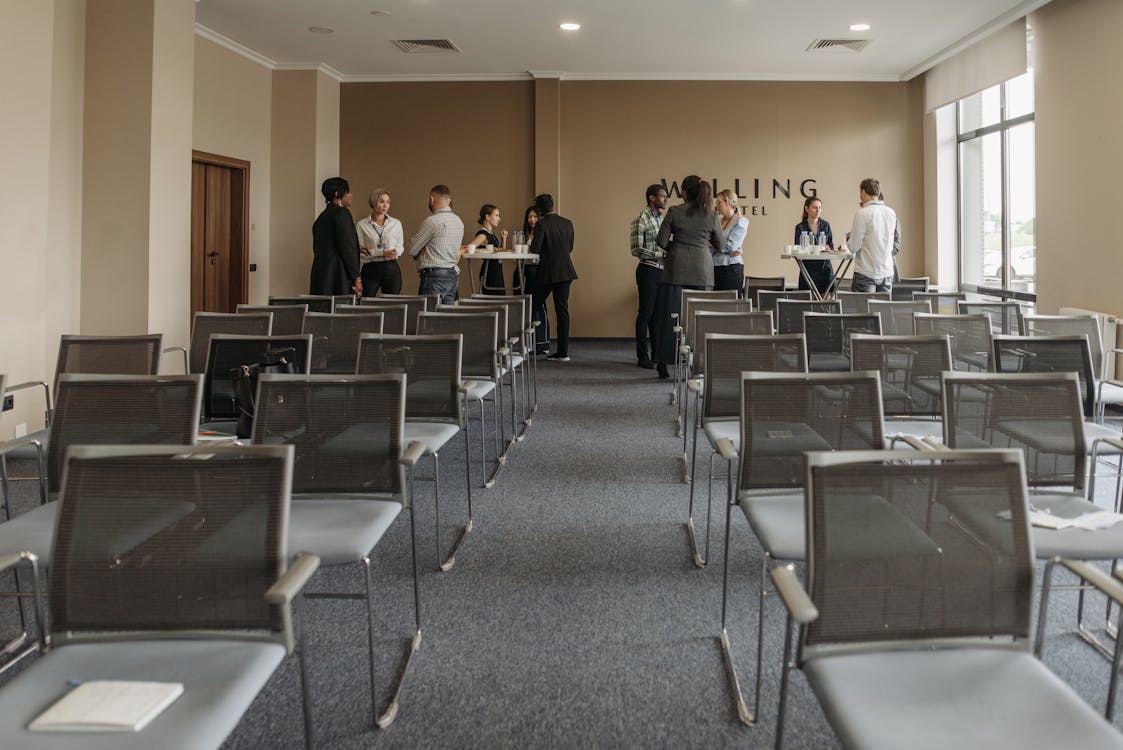
Why Facebook Events Work for Local Businesses
Facebook Events are one of the most effective free marketing tools available to local businesses, and most Cape Cod business owners are not using them.
Here is why they work so well. When someone RSVPs to your event, their friends see it in their feed. That is free word-of-mouth at scale. Facebook also sends reminders to everyone who marked “Going” or “Interested,” which means people actually show up. Events get prioritized in the Facebook feed and show up in local search results, giving you visibility you would normally have to pay for.
According to Meta’s 2025 business data, Facebook Events reach an average of 2.5 times more people than standard business page posts in local markets. And unlike a regular post that disappears from the feed in hours, an event stays visible for weeks leading up to the date.
If you have a physical location or run any kind of in-person service, Events should be part of your marketing mix.
It Does Not Have to Be a Party
Most business owners skip Facebook Events because they think “event” means a grand opening or a major production. It does not.
Here are things that work perfectly as Facebook Events:
- Seasonal sales or promotions (Memorial Day Weekend Sale, Black Friday Early Access)
- Open houses or showroom tours
- Workshops and classes (a cooking demo, a first-time homebuyer seminar)
- Community events you are hosting or sponsoring
- Seasonal kickoffs (Summer Menu Launch, Fall Collection Preview)
- Tasting events or sampling days
- Holiday specials (Small Business Saturday, Valentine’s Day prix fixe dinner)
- Free assessment or consultation days
If something is happening at a specific time and place, and you want people to show up, it qualifies as an event. Think of the Facebook Event as a dedicated landing page that promotes itself through the social graph.
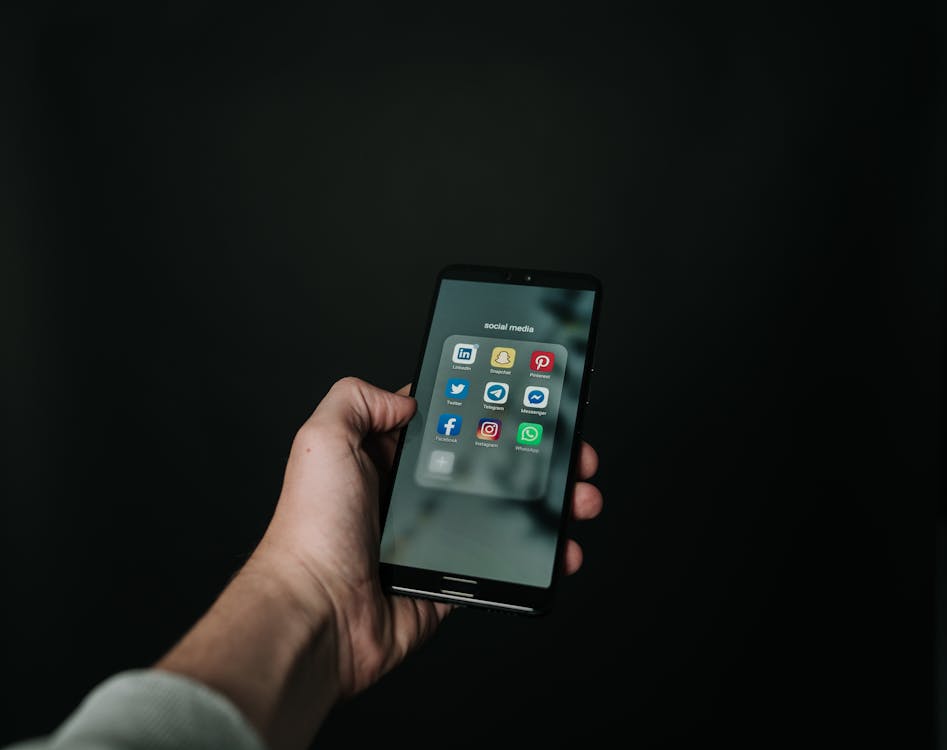
How to Create an Event That Gets Attention
A poorly created event gets ignored. Here is how to set yours up so people actually click “Interested.”
Write a specific, compelling title. “Big Sale” tells people nothing. “50% Off All Winter Gear: Saturday Only” gives them a reason to care. Include what is happening and why it matters. Be specific about the value someone gets by attending.
Use a great cover image. The event image is the first thing people see. Use a high-quality photo that shows what the event will look or feel like. A photo of your packed dining room beats a stock image of a fork and knife. If you do not have professional photos, a well-lit smartphone photo of your actual space works fine.
Fill in every detail. Date, time, location, what to expect, what to bring, parking information if it is relevant. The more complete your event page is, the more confident people feel about showing up. Unanswered questions create friction, and friction kills attendance.
Choose the right category. Facebook lets you categorize your event (food and drink, business, community, etc.). Pick the right one. It affects who sees your event in search and recommendations.
Add co-hosts if applicable. If you are partnering with another local business or organization, add them as co-hosts. Their audience sees the event too, instantly doubling your reach.
Promoting Your Event
Creating the event is step one. Now you need people to see it.
Share it to your business page. This sounds obvious, but do not just share it once. Share it when you create it, again one week before, and once more the day before. Each share catches a different slice of your audience.
Share it in local Facebook Groups. This is where the groups strategy and events strategy work together. Post your event in Cape Cod community groups, town-specific groups, and any relevant niche groups. Most group rules allow event sharing as long as it is relevant to the community. If your social media marketing strategy includes active group participation, your event posts will carry more weight because people already recognize your name.
Send it to your email list. Your existing customers and contacts are the most likely people to attend. Send a dedicated email about the event with a direct link to the Facebook Event page. Even people who do not use Facebook much will often RSVP when a direct link lands in their inbox.
Boost the event with a small ad budget. You do not need to spend a lot. Twenty to fifty dollars targeting local zip codes (02601 through 02673 covers most of the Cape) can put your event in front of thousands of local residents who are not already following your page. Facebook’s event ad format is specifically designed to drive RSVPs, and it is one of the highest-performing local ad formats on the platform.
Ask your team to mark “Going.” Every person who RSVPs expands the event’s reach to their friend network. If you have five employees who each have 300 Facebook friends, that is 1,500 additional people who might see your event organically.
During the Event
The event itself is a marketing opportunity. Do not let it pass without capturing content.
Go live on Facebook. Even a 60-second live video from the event shows people what they are missing and builds excitement for next time. Facebook’s algorithm heavily favors live video, so your reach during a live broadcast will be significantly higher than a standard post.
Post real-time updates. A quick photo of the crowd, a shot of the food spread, a behind-the-scenes moment. Post these to your page and to the event page itself. People who marked “Interested” but did not come will see what they missed.
Encourage attendees to check in and post. Ask people to check in at your location and share photos. User-generated content is more trusted than anything you post yourself, and every check-in is a personal endorsement visible to that person’s entire network.
After the Event
What you do after the event determines whether it was a one-time effort or the start of a repeatable marketing engine.
Thank your attendees. Post a thank-you on the event page and your business page. Tag people (with permission) and share the best photos from the event. This keeps the event page active and visible even after the date has passed.
Share a recap. A short post or photo album highlighting the best moments gives people who missed it a reason to watch for your next event. It also reinforces to attendees that they made a good choice by coming.
Follow up with attendees. If you collected email addresses or contact information, send a follow-up within 48 hours. Thank them for coming, share a relevant offer, or simply ask for feedback. The people who showed up to your event are warm leads. Do not let that momentum go cold.
Retarget event responders. Facebook lets you create custom audiences based on people who interacted with your event. You can run follow-up ads to people who RSVPed, whether they attended or not. This is one of the most cost-effective social media management tactics available for turning event interest into long-term customers.
Cape Cod Examples That Work
A restaurant hosting a “Summer Menu Launch” event. The event page features a photo of the new dishes, lists the date and time, mentions that the first 50 guests get a complimentary appetizer, and includes a live music lineup. Shared across Cape Cod foodie groups and boosted with $30 in ads targeting Barnstable County. Result: 180 RSVPs, a packed house on launch night, and dozens of social media posts from attendees.
A contractor running a “Free Home Energy Assessment Day.” The event offers free 15-minute energy assessments at their office, with tips on reducing heating costs before winter. Posted in Cape Cod homeowner groups. No sales pitch, just genuine value. Thirty homeowners show up, and twelve of them schedule follow-up consultations within the month.
A retail shop hosting a “Holiday Shopping Night” with local vendors. They partner with five other Cape Cod small businesses as co-hosts, each bringing products to sell. The event page highlights all participating vendors, live music, and complimentary refreshments. Five co-hosts means five audiences seeing the event. Two hundred people attend, and every vendor reports their best single-night sales of the season.
Start With Your Next Event
You do not need a huge budget or a marketing team to make Facebook Events work. You need something worth showing up for, 20 minutes to set up the event page properly, and a plan to promote it in the week leading up.
Think about what is coming up for your business in the next month. A seasonal launch, a special promotion, a community gathering, an open house. Whatever it is, create a Facebook Event for it and follow the steps above.
Want help promoting your next event and getting more local customers through the door? We help Cape Cod businesses build social media strategies that drive real foot traffic. Reach out to us and let us help you fill the room.