Mobile-First Web Design: Why It Matters More Than Ever
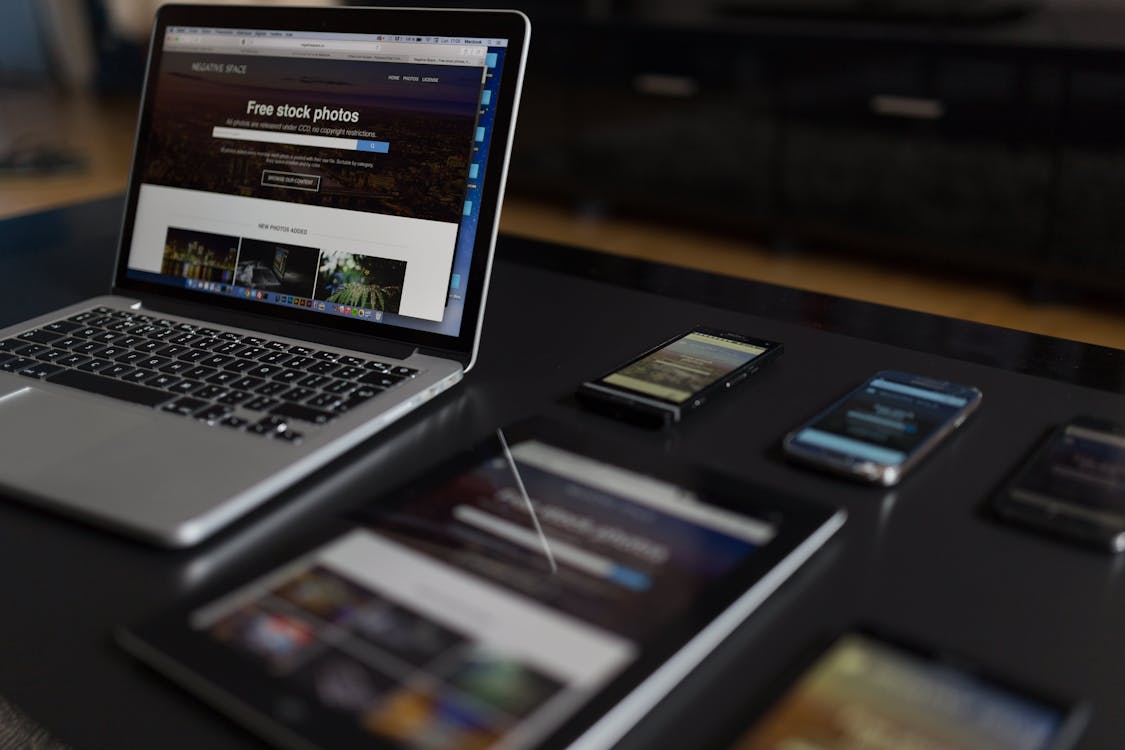
Pull out your phone right now and open your business website. Tap around for 30 seconds. Try to find your phone number. Try to fill out your contact form. Try to read your service descriptions without pinching and zooming.
If any of that felt clunky, slow, or frustrating, you have a problem. And it is costing you customers every single day.
The Numbers Tell the Story
Over 70% of local “near me” searches happen on mobile devices. That is not a guess. That comes straight from Google’s own data.
Think about what that means for a business on Cape Cod. During the summer, the population here roughly doubles with tourists. Those visitors are not sitting at desktops researching plumbers, restaurants, or boat rentals. They are standing in a parking lot, phone in hand, searching for exactly what they need right now.
If your website does not work well on a phone, those people will never become your customers. They will tap the back button and call whoever shows up next in the search results.
What Mobile-First Actually Means
Mobile-first design means you design the phone experience first, then scale up to tablets and desktops. Not the other way around.
Most websites were traditionally built the opposite way. Designers created a full desktop layout, then tried to squeeze it down to fit a small screen. The result is usually a cramped, awkward mobile experience that feels like an afterthought. Because it was.
When you start with mobile, you are forced to make hard decisions about what matters most. You cannot fit everything on a small screen, so you prioritize. The result is a cleaner, more focused experience on every device.

What Mobile Users Actually Need
When someone visits your website on their phone, they have a short list of needs. Meet these and you are ahead of most of your competitors.
Fast load times. Mobile users are impatient. If your site takes more than 3 seconds to load, over half of them will leave. Compress your images, cut unnecessary scripts, and keep things lean.
Tap-friendly buttons. The minimum recommended button size is 44 pixels by 44 pixels. That is roughly the size of a fingertip. If your buttons are smaller than that, people will tap the wrong thing or miss entirely. This is especially frustrating on a contact form.
Click-to-call phone number. Your phone number should be tappable on mobile. One tap and the phone starts dialing. If someone has to memorize your number, switch to the dialer, and type it in manually, you are making it too hard. Many will not bother.
Easy-to-read text. If visitors have to pinch and zoom to read your content, you have already lost them. Body text should be at least 16 pixels on mobile. Line spacing should be generous. Paragraphs should be short.
Simple navigation. A clean hamburger menu with your most important pages listed first. Do not bury your contact page three levels deep in a dropdown. On mobile, less is more.
Google Uses Your Mobile Site for Rankings
This is the part that surprises a lot of business owners. Google switched to mobile-first indexing, which means Google primarily looks at the mobile version of your website when deciding where to rank you in search results.
Read that again. Even if someone searches from a desktop computer, Google is still using your mobile site to determine your ranking.
If your mobile experience is slow, broken, or hard to use, your rankings suffer everywhere. Not just on mobile searches, but on desktop searches too. A bad mobile site drags down your entire online presence.
For a local business competing for search visibility on Cape Cod, this is not something you can afford to ignore.
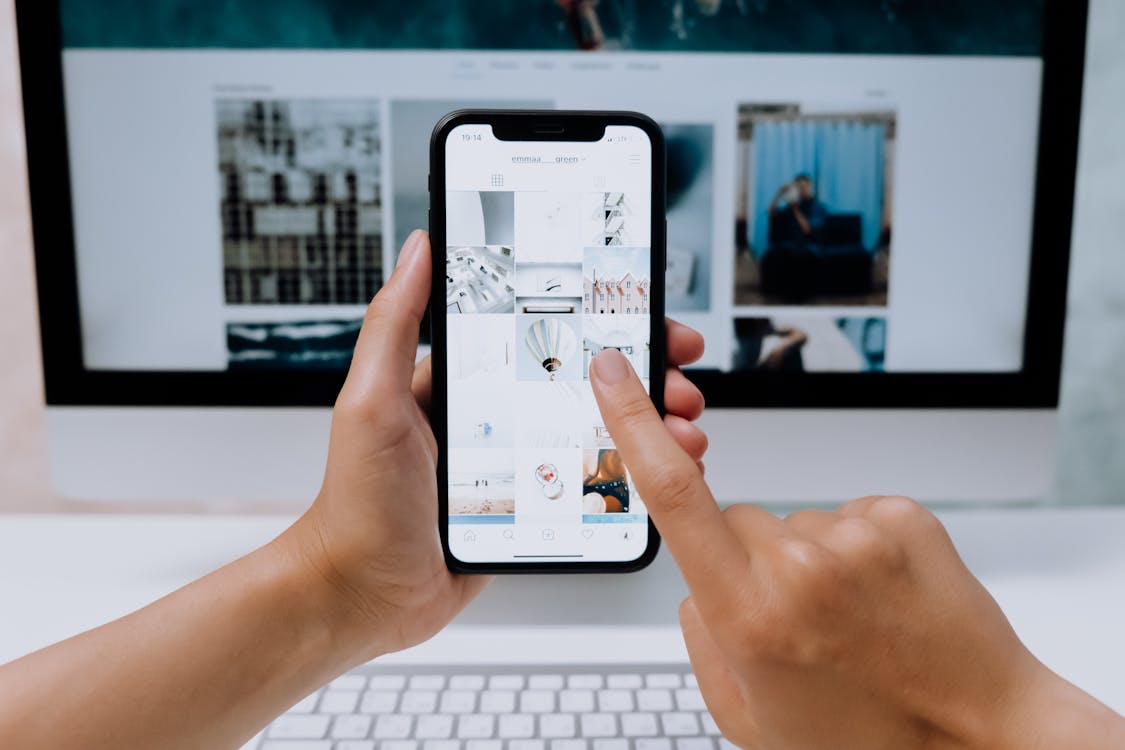
Common Mobile Mistakes to Avoid
These are the issues we see most often on small business websites. Any of them will drive mobile visitors away.
Text that is too small. If you have to squint or zoom in, the text is too small. This is the most common problem and the easiest to fix.
Buttons too close together. When two links or buttons are right next to each other, mobile users will tap the wrong one. Leave enough space between interactive elements so people can hit the right target.
Forms that are impossible to fill out on a phone. Long forms with tiny input fields are painful on mobile. Keep forms short. Use large input fields. Set the right keyboard type for each field, like a number pad for phone numbers and an email keyboard for email addresses.
Pop-ups that cover the screen. A pop-up that is easy to dismiss on desktop can be impossible to close on a phone. Google also penalizes intrusive pop-ups on mobile, so they can hurt your rankings too.
Horizontal scrolling. If your page forces users to scroll sideways on a phone, something is broken. Content should fit within the width of the screen without any horizontal overflow.
Unplayable media. Videos or interactive elements that do not work on mobile create a dead end for your visitors. Test every piece of media on an actual phone before publishing.
How to Test Your Mobile Experience
You do not need to hire anyone to find out if your site has mobile problems. Here are two simple ways to check.
Use your own phone. This is the most honest test. Open your website on your phone and try to complete the actions your customers would take. Can you find the phone number? Can you fill out the form? Can you read the service pages without zooming? Time how long the site takes to load. If anything frustrates you, it is frustrating your customers too.
Use Google’s free tools. Google offers a PageSpeed Insights tool at pagespeed.web.dev. Enter your URL and it will tell you exactly how your site performs on mobile, including specific issues and how to fix them. It is free and it takes about 30 seconds.
Pay attention to the performance score. Anything below 50 on mobile means you have serious work to do. Between 50 and 89 is fair but could be better. 90 and above is where you want to be.
The Bottom Line
Your customers are on their phones. Google ranks you based on your phone experience. If your website does not work well on mobile, you are losing leads and rankings at the same time.
The good news is that fixing this does not have to be complicated. A well-built, mobile-first website loads fast, reads clean, and makes it easy for customers to reach you with a single tap.
We build mobile-first websites for Cape Cod businesses that are designed to perform on every device. If your current site is not cutting it on mobile, we can help.
Contact us today for a free review of your website’s mobile experience. We will show you exactly what is working, what is not, and what it would take to fix it.